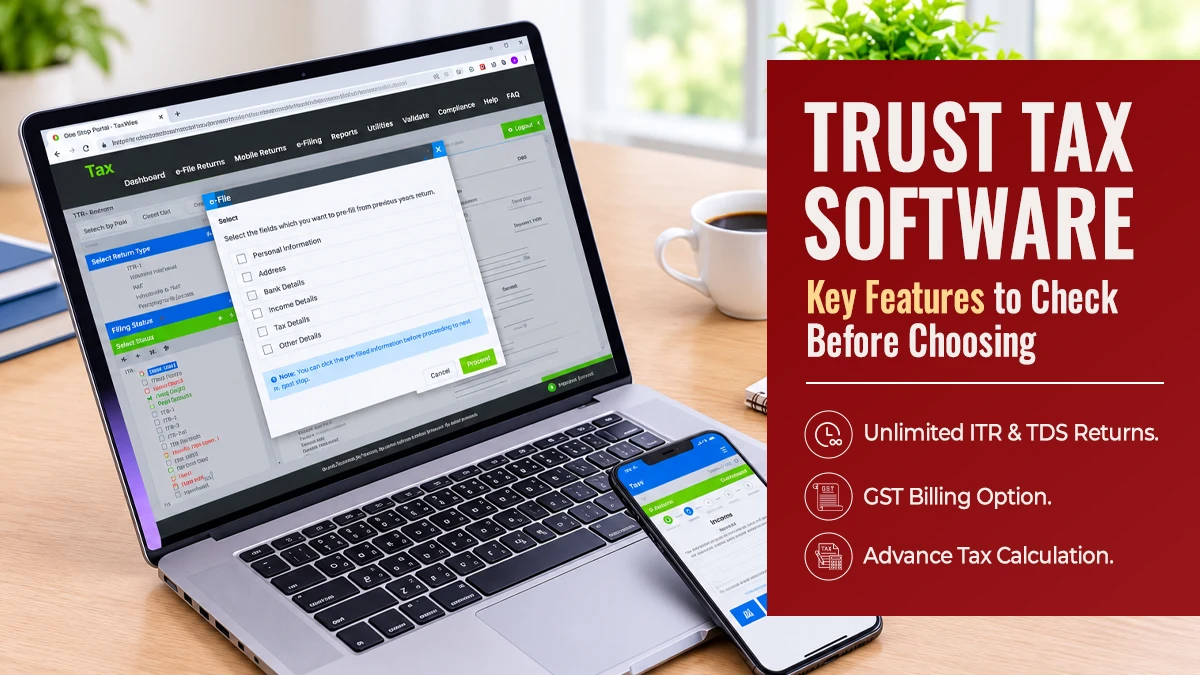
Trust Tax Software: Key Features to Check Before Choosing
Key Takeaways
Prioritize accurate Form 1041 calculations and Schedule K-1 preparation.
Ensure security, process automation, and good service support.
Compare pricing, state coverage, and scalability before purchasing.
Introduction
Choosing the right trust tax softwarecan make tax season easier for accountants, CPAs, and professional tax preparers. Not all trust tax software does the same thing. Some help complete routine returns; others can help compute complex fiduciary tax returns and complete all of the required returns and schedules.
This software can help to reduce manual work and to ensure that accurate trust tax returns are completed. Many of these programs are offered as cloud-based professional tax software that will allow for easy access to all necessary information as well as effective team collaboration.
1. Support for Form 1041 and Fiduciary Returns
Form 1041 is central to federal income tax reporting for estates and trusts. Your trust tax software should support the relevant fiduciary forms, schedules, and calculations.
Check whether the platform handles grantor and non-grantor trusts, distributable net income (DNI), deductions, and beneficiary allocations. Schedule K-1 generation is equally important because beneficiaries need accurate information about their share of trust income.
A platform with dedicated fiduciary functionality can help reduce repetitive data entry and calculation errors.
2. Automation and Accuracy Checks
Manual calculations can consume valuable time, especially when handling multiple beneficiaries or complex distributions.
Good tax software for trusts should automate calculations, identify missing information, and flag potential inconsistencies before submission. Built-in diagnostics can also help preparers catch mistakes earlier.
Look for automatic calculations, validation checks, and clear error messages. These features make reviewing returns easier and help maintain consistent preparation standards.
3. Cloud Access and Data Security
Cloud-based professional tax software is flexible and allows users to work from anywhere on supported devices, aside from the odd office computer.
However, convenience over security is not an option, as Trusts contain sensitive financial and personal information of individuals.
Find out if encryption is used, if strong authentication methods and access control are in place, if data backups are automatically created, and if the provider is transparent about their privacy policies. Also, find out where client documents are stored and who has access to them.
4. Easy Navigation and Client Management
Even experienced tax professionals are held back by complicated interfaces. A platform should offer clear and structured dashboards, simple navigation, and quick access to the relevant client data. A good trust tax preparation program helps you track where you are in the process of completing a return and helps organize the supporting information and all the beneficiaries for the return.
Electronic signatures and secure document-sharing features can also enhance communication between tax preparers and their clients.
5. State Filing and Compliance Support
Note that Federal filing is only a portion of trust taxation. The State(s) where the trust was created may also require fiduciary returns to be filed on an annual basis.
This article will outline the necessary items to review with a software platform for support of filing required forms with states and updating annually as necessary. Instead of relying on outdated information and manual workarounds, yourtrust tax software should enable you to keep up-to-date with the latest information on trust taxes.
6. Pricing, Support, and Scalability
Compare the cost of services (e.g., subscription vs. per return) and additional modules or services, as well as the cost of renewal of your initial subscription.
In addition to these cost elements, also look at the level of service that the software provider can offer. Are there phone, email, training, and tutorial resources available to assist you with any questions?
In the long term, your tax software will need to accommodate an increase in users, an increase in the number of returns you need to file, and the increasing complexity of your work as a firm.
Frequently Asked Questions
1. What is trust tax software used for?
Trust tax software enables tax professionals to prepare the fiduciary income tax return and calculate total trust income, as well as report distributions to beneficiaries. Schedules such as a beneficiary schedule (Schedule K-1) can also be prepared using trust tax software.
2. Which tax form do trusts generally file?
Domestic trusts typically file federal returns on Form 1041, with special filing requirements applying to various trusts.
3. Is cloud-based tax software suitable for professional preparers?
Yes. Cloud-based tax software is suitable for professional tax preparation when security measures are in place.
4. How do I choose the right trust tax preparation platform?
Compare fiduciary form support, calculation accuracy, security, state coverage, usability, pricing, and customer support. Test the software before making a commitment.
Conclusion
For a comprehensive solution to tax preparation for both individuals and businesses, Tax Dragon Pros offers a professional tax preparation software program. The software features unlimited users, all tax returns filed peerlessly, online signing of returns, 24/7 customer support, unlimited e-filing, and prior-year returns access.
Packages for the software are offered that highlight different features of the software. After reviewing the features of the different software packages available at Tax Dragon Pros, it is easy to find a solution that will meet the needs of your practice for trust and Form1041 preparation by confirming that the software offers fiduciary-specific support.

