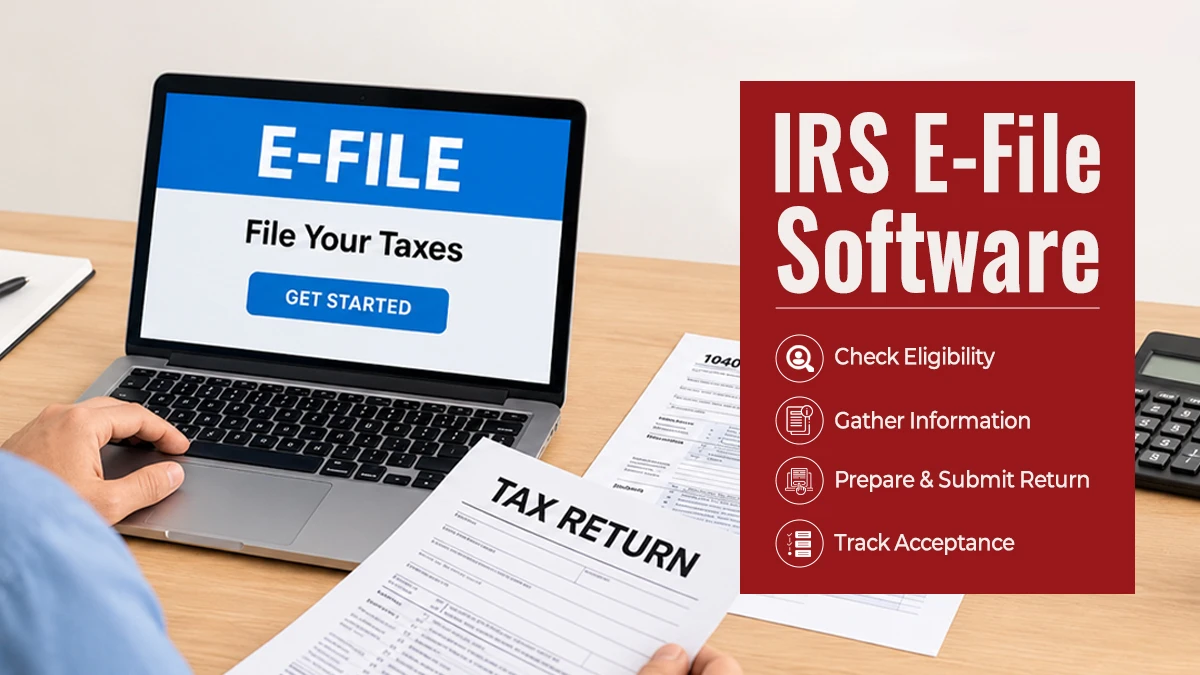
IRS E-File Software: Common Mistakes Tax Preparers Should Avoid
Key Takeaways
Verify name(s), SSN/ITIN, income, and filing status on all returns before sending.
Remember, software alerts are to be used as a safety net and not replace your judgment.
Check signatures, banking details, and confirmation of e-file acceptance for all returns filed.
Introduction
Your return represents a significant investment of time. A hasty return will cost a tax office time, trust, and future business using online tax filing. Although IRS e-file software is designed to assist in organizing online tax return preparation, all returns must receive careful review before actually submitting online tax returns. Accuracy matters from document intake through IRS acknowledgment.
Common E-Filing Mistakes to Avoid
1. Entering Incorrect Names or Taxpayer IDs
A typo can trigger rejection. Confirm that each taxpayer’s and dependent’s name matches the relevant Social Security card or IRS record. Check every Social Security number or ITIN, and never reuse last year’s information without confirming it.
2. Choosing the Wrong Filing Status or Dependent Details
Filing status affects tax calculations, deductions, and credit eligibility. Ask about marital status, household costs, and dependents. Review custody arrangements and qualifying-child or qualifying-relative rules. A checklist in IRS e-file software can help staff catch incomplete entries.
3. Missing Income or Supporting Documents
Reconcile all income reported on W-2s, 1099s, and other forms with client records. Find out about other income and retain all copies of supporting documentation.
4. Overlooking Credits, Deductions, and Schedules
Ensure that all correct claims have supporting documentation and verify that all eligibility, limits, forms required, etc. have been met. Tax e-file softwarewill alert the preparer of any missing information, but the preparer must verify that each and every claim is supported.
5. Skipping the Final Review
Accurate figures can still land in the wrong fields. Compare entries with source documents and confirm schedules flow correctly. Use validation tools in electronic tax filing software, followed by a human review. Apply a second review to complex returns.
6. Entering Incorrect Bank Details or Missing Signatures
A wrong bank number can disrupt a direct deposit. Confirm bank details with the client and read them back before submission. Verify required taxpayer and spouse signatures or e-file authorizations. Transmit only after approvals are complete.
7. Ignoring Rejections and Recordkeeping
Use tax e-file software to track submission status, but remember that clicking “send” does not mean the filing is complete. Monitor acknowledgments, read rejection codes, correct the underlying issue, and retransmit promptly. Retain returns, authorizations, source documents, and acceptance records. Cloud-based expense management software can track office costs, but it is not a substitute for secure tax-file storage. Use cloud-based expense management software for office costs only, with appropriate access controls and data protection.
8. Failing to Keep Tax Software Updated
Using outdated tax preparation software can lead to incorrect calculations, missing tax forms, and compliance issues. Tax laws, IRS requirements, and e-filing procedures can change every year, making regular software updates essential. Tax preparers should ensure their IRS e-file software includes the latest tax tables, forms, security patches, and IRS updates before starting a new filing season. They should also test important features and train staff on new updates. Keeping software current helps reduce technical errors, improve filing accuracy, and maintain a smoother tax preparation process.
Make Every Filing Count
A repeatable workflow helps prevent avoidable errors. Tax Dragon Pros offers guidance-driven workflows, client status access, remote signatures, paperless access, and support for individual and business returns. Its packages also describe unlimited e-filing and multi-user access. Explore Tax Dragon Pros and its electronic tax filing software features to see whether the platform fits your office’s filing process and client needs. IRS e-file software should support a careful process, not replace it.
FAQs
Does the e-filing software eliminate all tax return mistakes?
No. E-filing software may identify some missing information and some calculation errors, but it does not guarantee the correctness of all client statements.
What is the reason behind the rejection of electronically filed returns?
Some of the reasons include a name or ID mismatch, lack of necessary information, or duplication of submission.
Should preparers check returns after the software has confirmed them?
Yes. A preparer must cross-check returns with the source documents to prove eligibility, confirm signatures, and check the bank information.
Is expense management software and tax preparation software similar?
No. Cloud-based expense management software, which handles company expenses, is different from tax preparation software that deals with preparing, validating, and submitting a return electronically.

