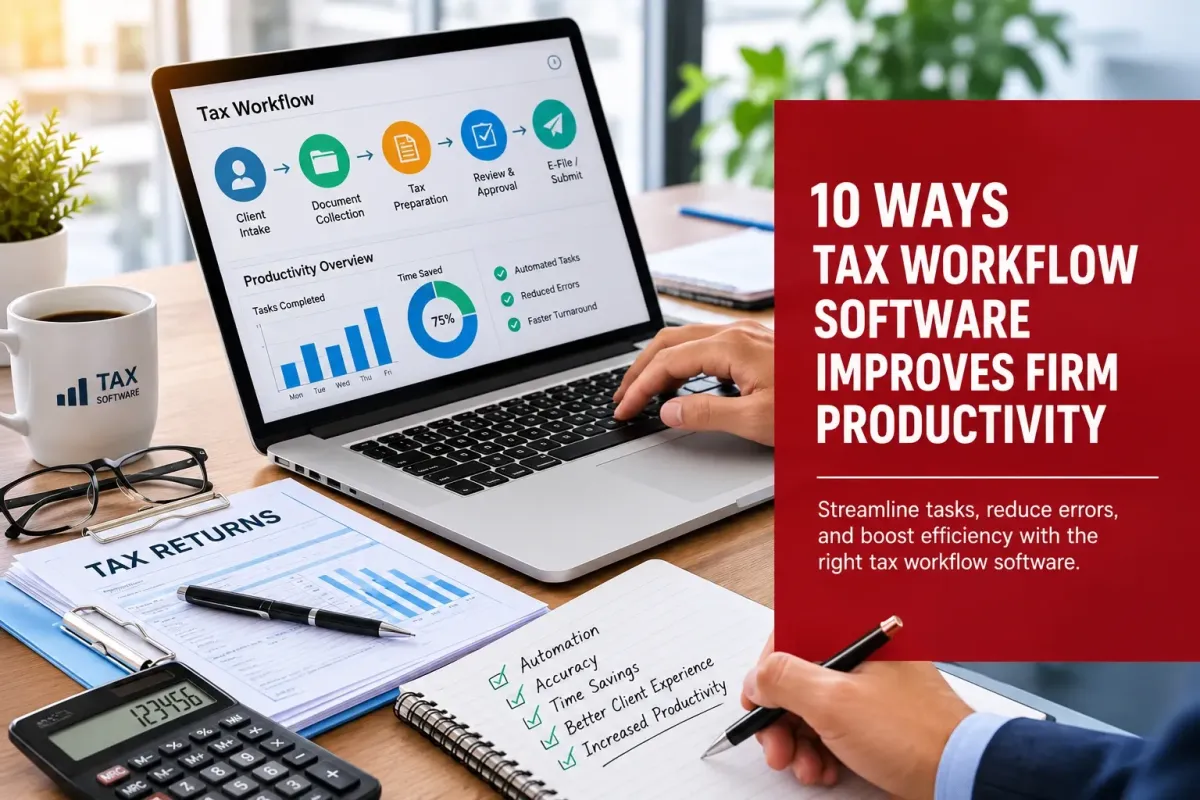
10 Ways Tax Workflow Software Improves Firm Productivity
Tax practice processes are revealed in all their glory during the busy season. We see the long hours of tax preparers searching for client documentation and re-keying the same information time and time again. We read the endless email exchanges between the tax preparer and the client trying to get one simple piece of information.
We see the misplaced checks, misfiled returns, and lost hours caused by errors that could have been avoided. Many of the cracks in the processes used by the majority of professional tax practices can be addressed by implementing the right system. In this blog, we will examine the ways in which professional tax software can change the lives of the tax practitioners at a practice.
Key Takeaways
Automating data entry and document intake is the single biggest time-saver this tax season for most firms.
A cloud-based setup allows your tax preparers to work from anywhere, collaborate on a return, and automatically back up the client’s data.
A specific firm reduced the time spent processing returns by 20% after they implemented an automated workflow.(Thomson Reuters)
How the Right Software Changes Your Day-to-Day
1. It Cuts Down on Manual Data Entry
Automating the process of entering numbers for W-2’s and 1099’s into tax returns is probably the biggest time saver for your tax practice during the busy season. A tax professional software package will be able to automatically import the numbers for you from these types of documents, saving hours of tedious data entry. This also reduces the chance of error when entering information manually.
2. It Keeps Documents Organized in One Place
Automating the organization of online tax documents is just as effective as removing paper from an office. Organizing and tagging online tax documents allows them to be uploaded into professional tax software and easily found by the correct tax preparer within the software. No more time wasted searching through an email for a missing 1099 form.
3. It Speeds Up Client Communication
Automated reminders are sent to your clients and their tax preparer(s), letting them know that your office is still waiting for outstanding paperwork for a client’s return(s). This feature eliminates hours of wasted time by your staff trying to call and/or send e-mails to your clients requesting they provide missing tax documentation. A friendly automatic reminder is sent to your client, allowing them to log onto your website and upload their paperwork electronically.
4. It Reduces Costly Errors
Tax preparation software typically has many built-in checks to help prevent errors in tax returns. This may include identifying numbers that do not appear to match up and also checking for required fields that have not been completed. The potential cost of errors in a return, such as additional interest and penalties on a late payment, can be very high. The extra time taken to complete corrections to a return after it has been filed can also be very costly, as it keeps you away from other work that could be bringing in revenue.
5. It Gives Clients Instant Answers
An online tax calculator is a powerful tool that you can place on your website. The calculator will enable your prospects and clients to estimate their refund or liability in seconds. Prospects and clients that play with your online tax calculator before calling you for a tax return are typically sold on the need for a return when they use it.
6. It Makes Remote Work Actually Work
So even if you have a few locations, or people that work remotely, solid professional tax software lets them get their work done from anywhere with a computer with an internet connection. So all of your returns, client files, notes, and work product will be online, syncing so that all people on your team can access and complete anything that they have been assigned.
7. It Simplifies Team Collaboration
Reviews can add notes to a return and hand it back to the preparer without ever printing a page of the return. This used to take a firm a full day of back and forth. Now it can be completed in minutes.
8. It Tracks Every Return's Status
With all returns and all corresponding client files contained within a shared online database, your staff will know where every return is at any point in time. That return is complete and ready for filing, that return is being reviewed by a tax preparer, that return is being assembled and is still in the draft stage – whatever the case may be, all staff can log in to the online database and see the status of all returns in real time from anywhere with an Internet connection.
9. It Frees Up Time for Advisory Work
Time that is saved in routine tax preparation can be spent by tax preparers giving tax advice to clients on such things as tax strategy, tax planning, tax deductions, and the utilization of entities to save taxes.
10. It Scales with Your Firm
Scaling Your Practice - Whether you're a practice of 5 or 50, Tax Preparation Software will allow your practice to grow without the need for additional staff.
The Bottom Line
Tax workflow software does not replace a good tax preparer. Many firms are utilizing tools such as spreadsheets, notes, tax planning spreadsheets, and other means to manage and organize the work of preparing taxes for clients throughout tax season. If this is the case for your firm, hours could be better spent using online tax software that automatically processes the data in seconds as opposed to hours and hours. We here at Tax Dragon Pros can help set you up.
Take Tax Dragon for a spin. Our Tax Dragon Pros would be happy to give you the grand tour of how the software can work in your practice.
FAQs
1. Is tax workflow software only worth it for big firms?
1. Not at all. Even a one-person practice will save hours of work in data entry and in chasing after documents that have gone missing.
2. Does switching software mean retraining my whole team?
2. How long will it take for my team to learn to use a new tax workflow software? The majority of professional tax software is designed and built for ease of use and is typically learned by tax preparers within a couple of days. In fact, most can learn to use a new piece of professional tax software within a one-hour onboarding session.
3. Will an online tax calculator actually bring in more clients?
3. Will an online tax calculator actually bring in more clients?
An online tax calculator is a small feature to add to your website, but the results are huge! Instead of sending visitors packing, you’ll keep them engaged with your website and possibly evenbook a call with them in the future.
4. Can cloud-based professional tax software handle sensitive client data safely?
4. Yes, reputable providers encrypt data in transit and at rest, often with stronger protections than a local office server.
5. How fast will I see a difference in my workflow?
5. Within the first few weeks, you will begin to realize where your practice is saving time not having to deal with last-minute tax preparation crunch time and issues such as trying to get in required documents on time and where your returns are at in the tax preparation process.

